电子书列表功能开发

电子书资源

电子书资源:

  • 解压后的电子书:链接:
    链接
    提取码:8p6d
    解析epub文件:
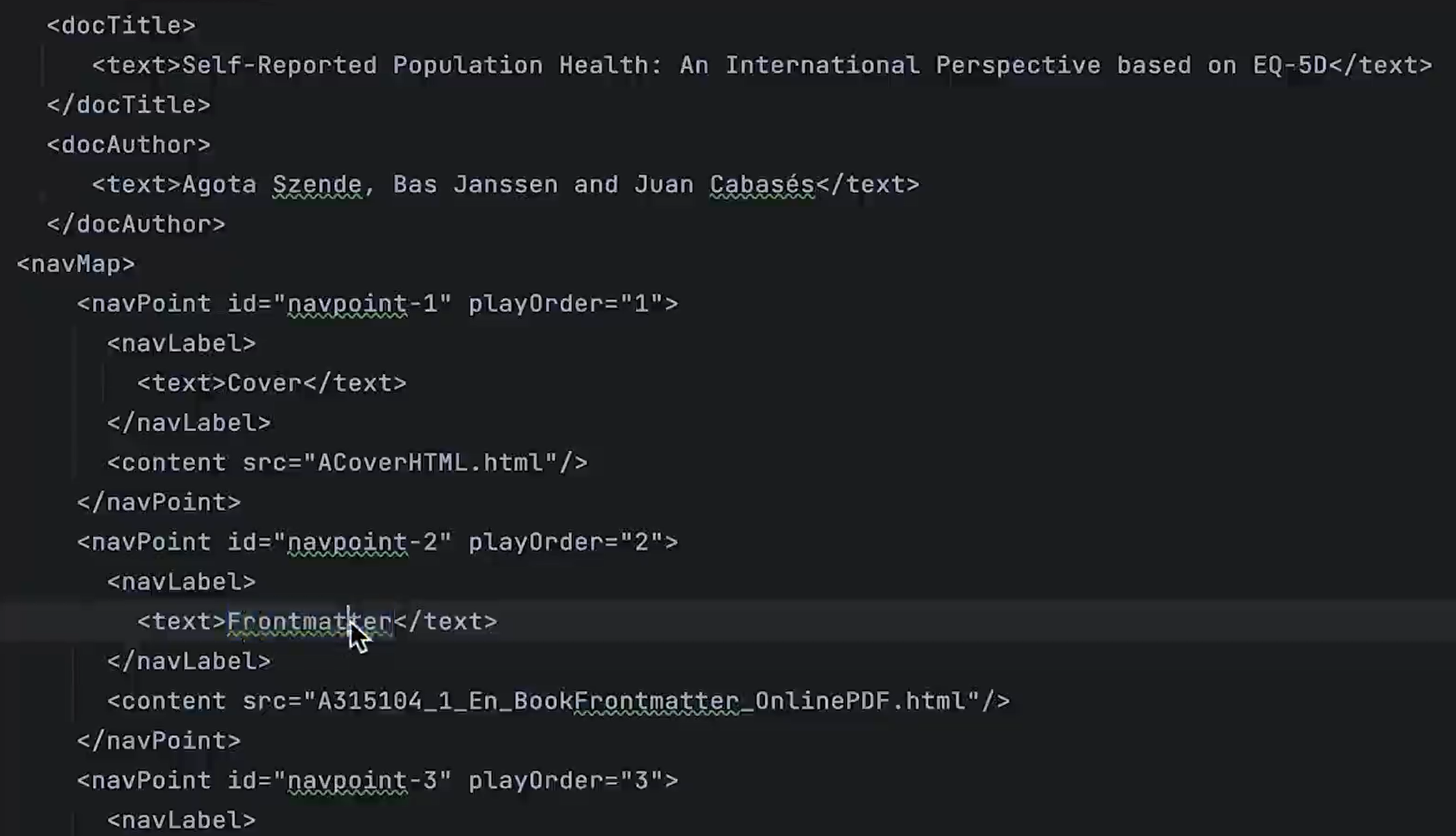
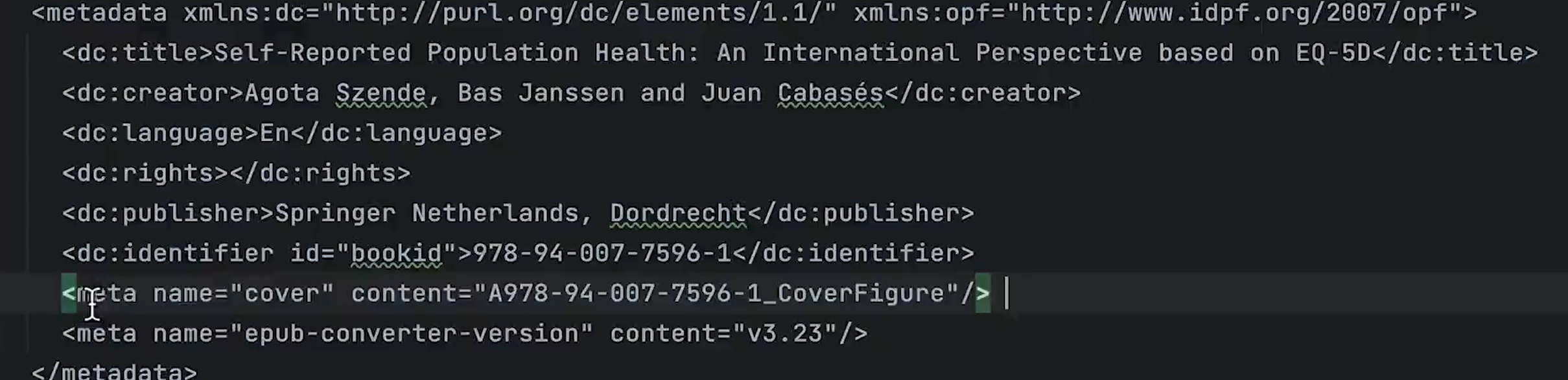
  1. 根据META-INF找到content.opf文件,content.opf(xml)文件存放了电子书的配置
    部分内容示例:
    目录文件toc.inx

静态资源服务器搭建(Nginx)

将下载下来的电子书放置在静态资源服务器内管理

电子书列表模块

在routes/modules下新建book.ts路由并引入相关组件

1
2
3
4
5
6
7
8
9
10
11
12
13
14
15
16
17
18
19
20
21
22
23
24
25
26
27
28
29
30
31
32
33
34

const book: AppRouteModule = {
path: '/book',
name: 'Book',
component: LAYOUT,
redirect: '/book/list',
meta: {
orderNo: 10,
icon: 'ion:grid-outline',
title: t('routes.book.manage'),
},
children: [
{
path: 'list',
name: 'List',
component: () => import('@/views/demo/page/list/search/index.vue'),
meta: {
// affix: true,
title: t('routes.book.list'),
},
},
{
path: 'create',
name: 'Create',
component: () => import('@/views/demo/page/form/high/index.vue'),
meta: {
title: t('routes.book.create'),
},
},
],
};

export default book;

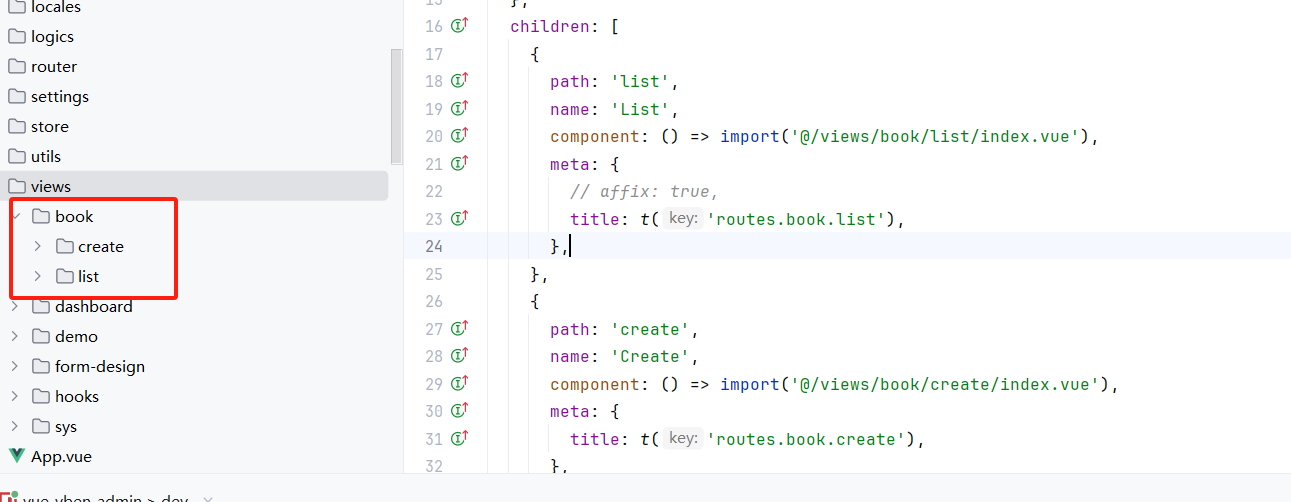
重构目录文件,将子组件放置在/book目录下


电子书列表功能开发
https://nanxfu.github.io/2024/10/10/电子书列表功能开发/
Beitragsautor
nanxfu
Veröffentlicht am
October 10, 2024
Urheberrechtshinweis